All articlesGuide
Flat Lay vs On-Model: What Actually Converts on a PDP
What shoppers do when they cannot see fit and drape — and how to turn a flat lay archive into on-model photography.

The flat lay versus on-model argument is usually framed as an aesthetic choice. It is not. The two formats answer different customer questions, and a product page that only answers one of them leaves the other unanswered — usually the one that decides the purchase.
What each format is actually for
A flat lay answers “what is it”. Shape, colour, print, construction, trims. Nothing is hidden by a pose, nothing is distorted by a body. It is the technical view, and for some categories it is the honest one.
An on-model shot answers “what will it do on me”. Fit, drape, length, volume, how the fabric moves, how the item is styled. These are the questions that decide whether a garment goes into the basket — and, more expensively, whether it comes back.
Neither format wins in the abstract. What loses is a product page that shows only the first.
Where flat lays are enough
- Accessories, scarves, jewellery, small leather goods.
- Flat goods: towels, bedding, textiles.
- Technical categories where the customer already knows the fit and wants to check the print or the spec.
- Marketplace listings that require a plain, standardised product view.
For these, adding a model can even hurt: it introduces styling noise around an object the customer is trying to inspect.
Where the absence of a model costs money
Anything where fit is ambiguous — dresses, outerwear, tailoring, knitwear, anything oversized or cropped — needs a body in the frame. Without it the customer is guessing, and guessing shows up in two places: fewer add-to-carts, and more returns from the ones who guessed wrong.
The second cost is the one merchandisers underrate. A return is not just a refund; it is inbound shipping, handling, re-packing, markdown risk and, in fast-moving categories, a unit that misses the season.
The realistic answer: sequence, not either/or
The flat lay does not disappear. It stops carrying a job it was never built for.
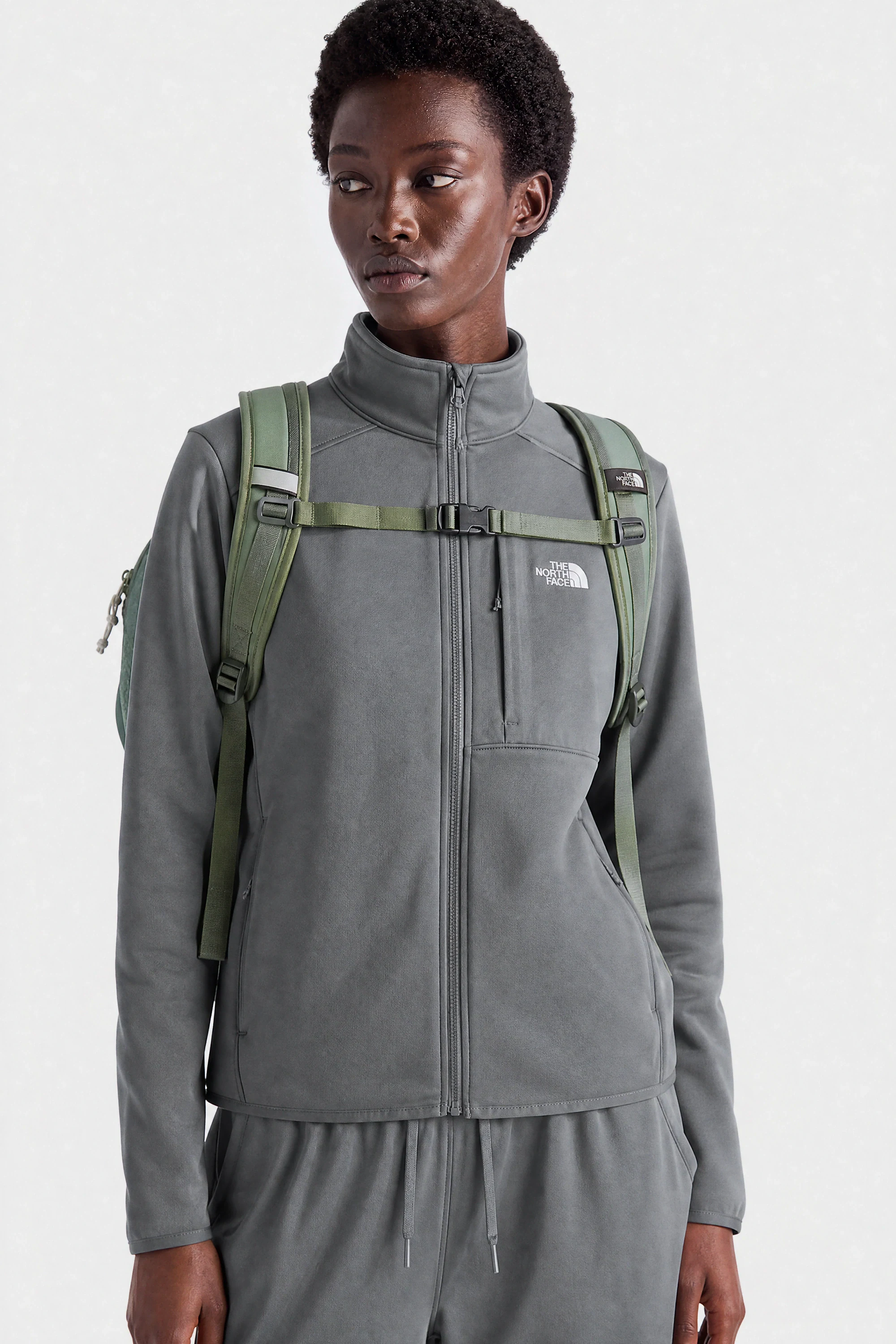
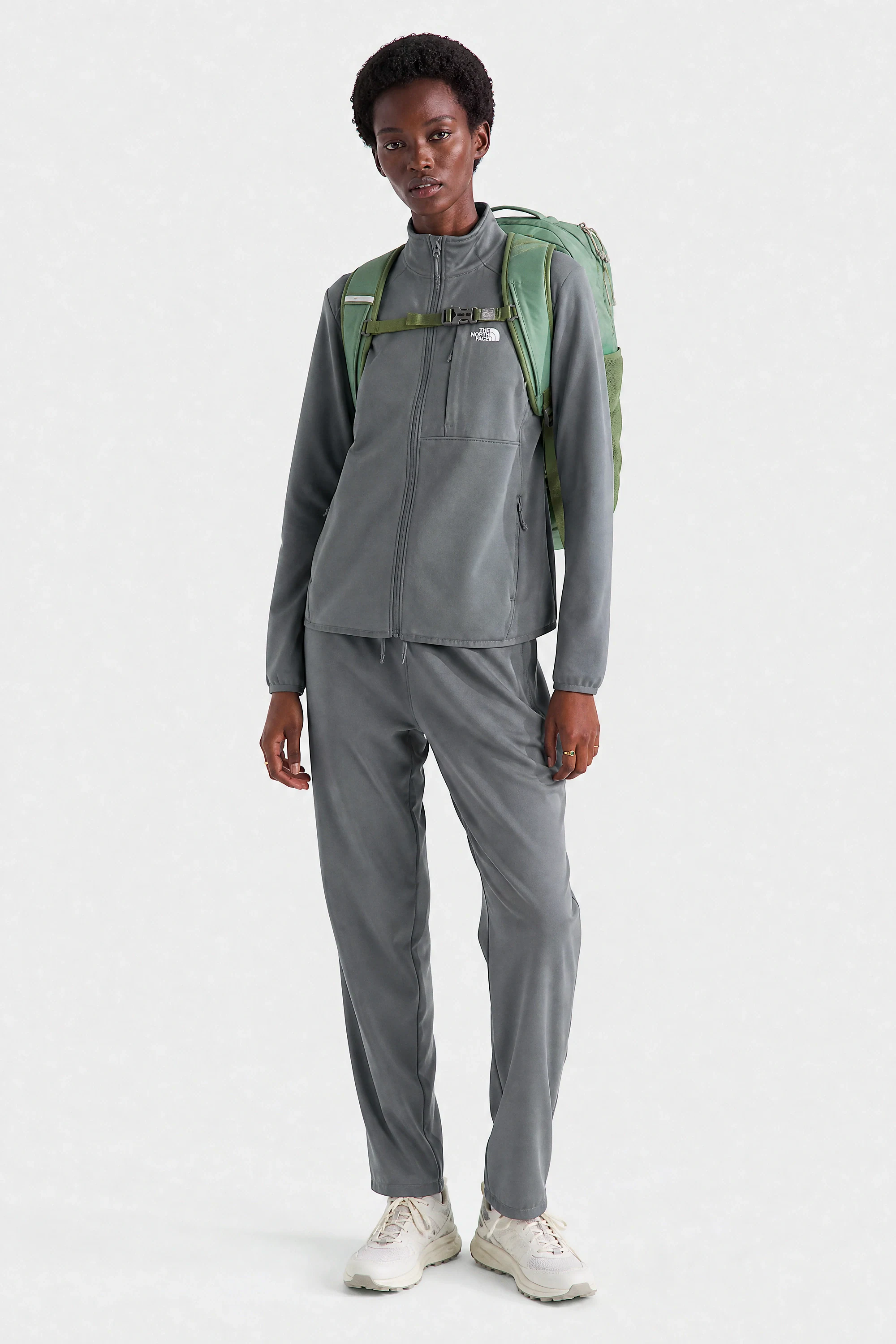
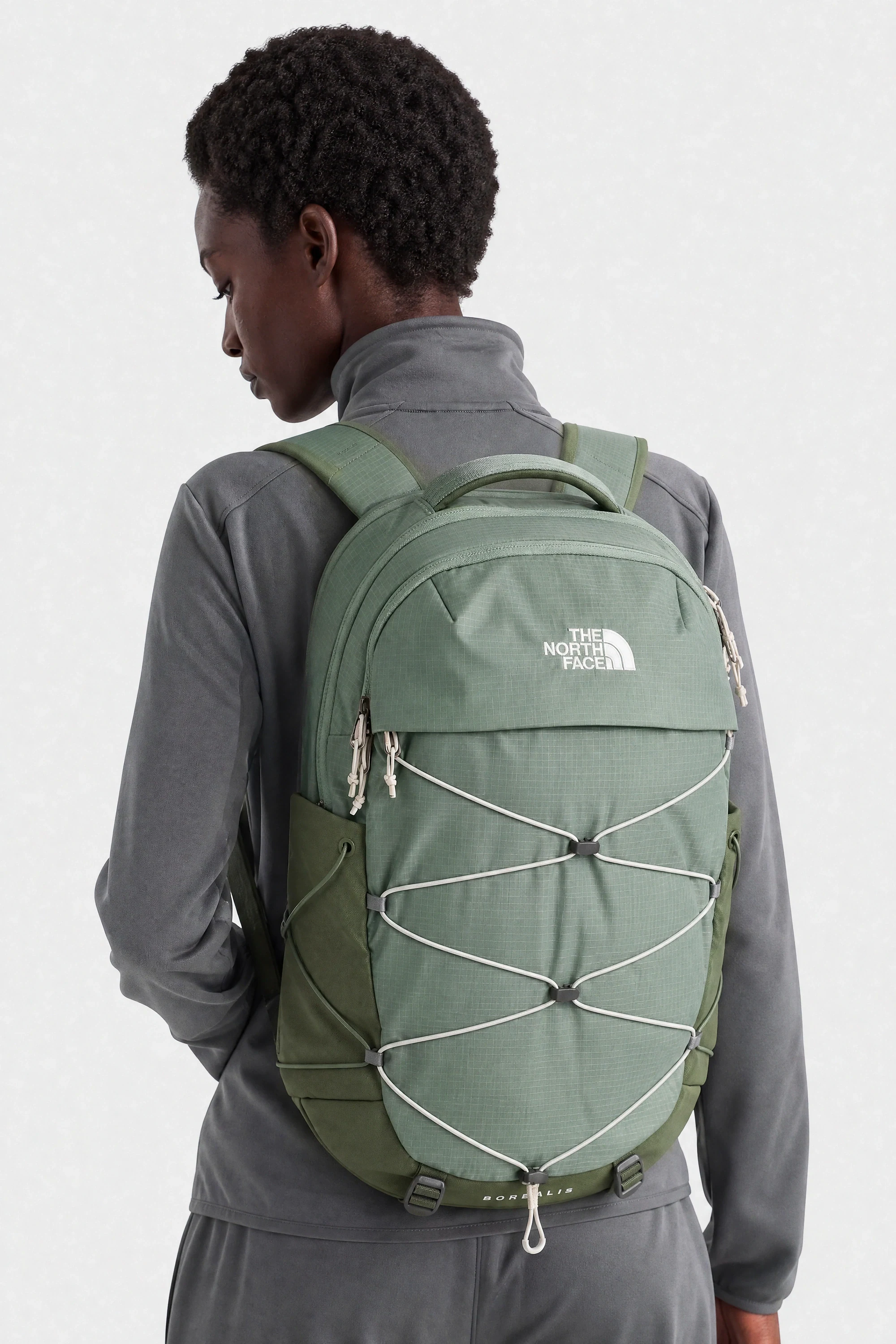
A product page that performs usually runs both, in this order:
- On-model lead image — the garment worn, full length, neutral styling.
- Two or three alternative on-model angles — back, side, movement, or a second styling.
- Detail close-up — texture, stitching, hardware, print at scale.
- Flat lay or packshot — the technical view, colour-true.
- Optional lifestyle or campaign frame — context, mood, how it is worn in the world.
Turning a flat lay archive into on-model imagery
Most brands already own thousands of flat lays and packshots. That archive is not a dead end — it is an input.
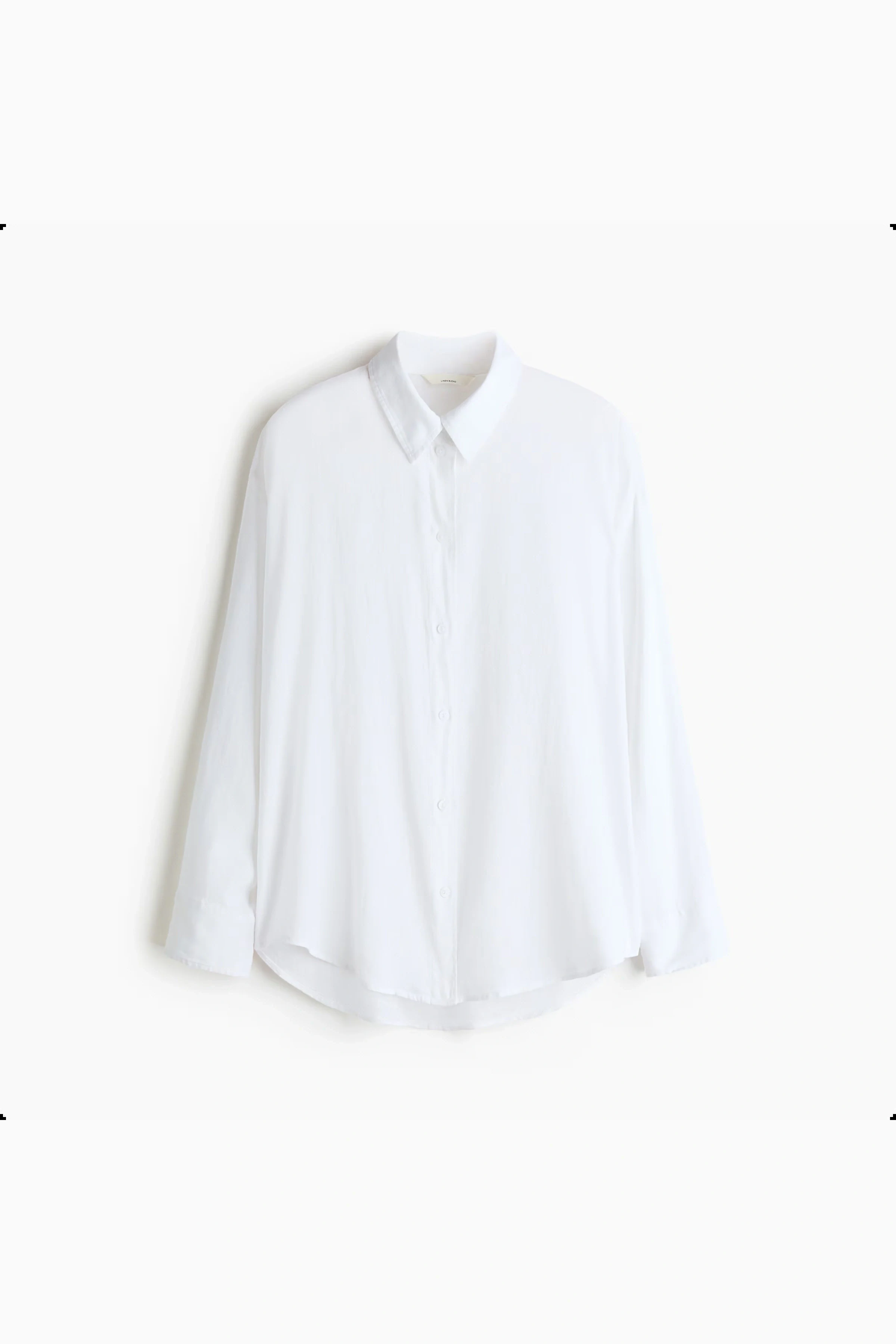
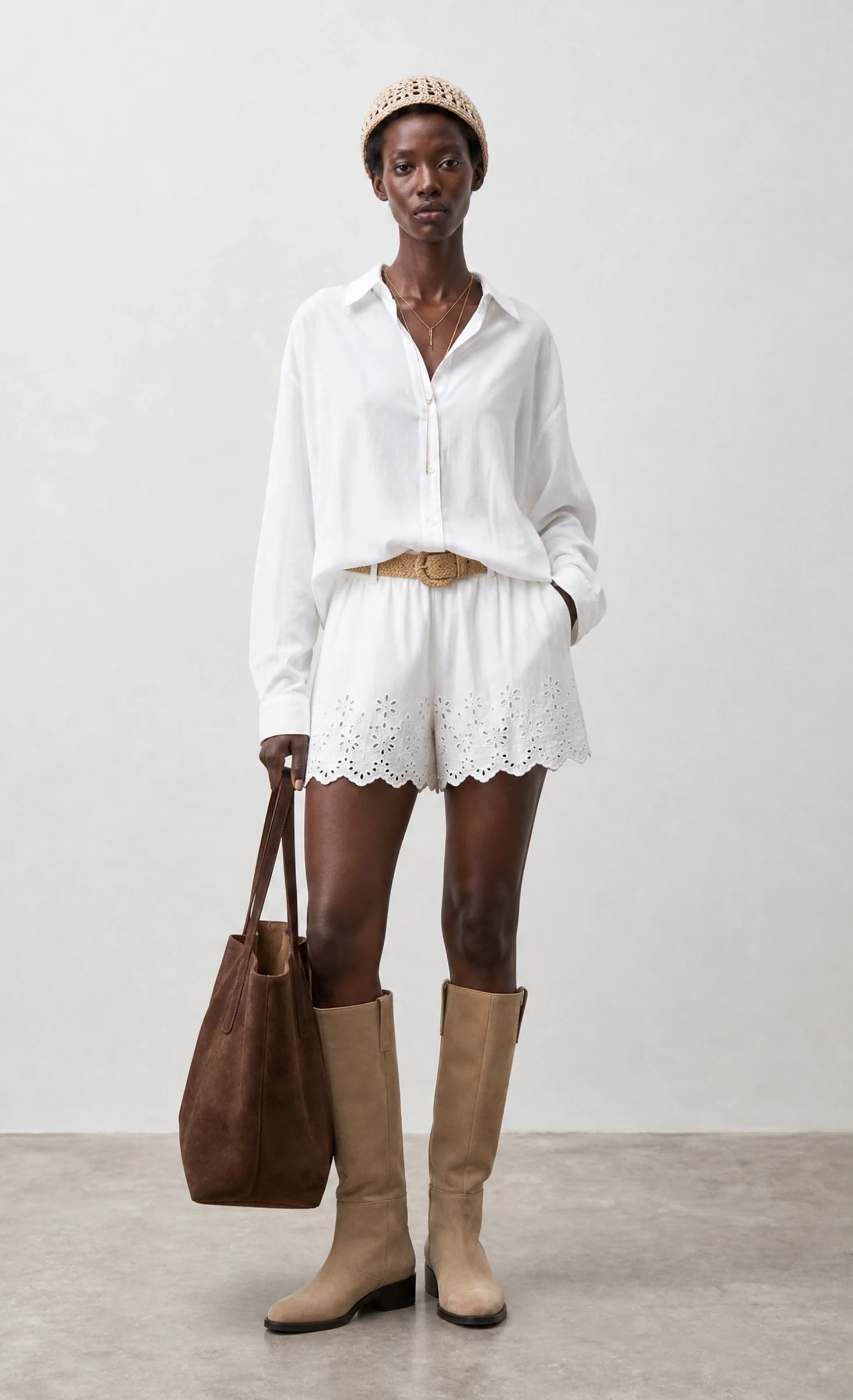
Garment replication reconstructs the item from those references and places it on an AI fashion model: the same print at the same scale, the same seams, the same closures, now worn. No sample shipping, no casting, no studio day. It is the most common first project brands run with us, precisely because the raw material is already sitting in the DAM. The workflow is laid out step by step on flat lay to model, and the platform pages show the modules involved.
For a growing brand, that usually means the back catalogue gets on-model imagery it never had a budget for. For an enterprise team, it means last season’s stock can be re-shot for a new market — different casting, different set — without touching the warehouse. That workflow is what the growing brands page walks through.
Quality control that keeps the format honest
Whether an image is shot or generated, the same checks apply before it goes live:
The customer does not care how the image was made; they care whether the parcel matches it.
- Colour accuracy against the physical sample or the master file.
- Print scale and placement — a repeat that is 15% too large is the most common invisible error.
- Construction — seams, closures, pockets, trims where the tech pack says they are.
- Fit logic — the drape has to be plausible for the fabric weight, not just attractive.
- Consistency — one lighting model, one crop system, one casting language across the category.
Publish nothing that fails those five, no matter which pipeline produced it.
The short version
Use flat lays for what they are good at: inspection. Use on-model imagery to answer the question that actually drives conversion: how it will look worn. And if the reason you are running flat-lay-only pages is that on-model photography was too slow and too expensive per SKU, that constraint is the part that changed.
Related reading: Ghost Mannequin Photography: The Complete 2026 Guide and How Much Does a Fashion Photoshoot Cost in 2026?.
FAQ
02- Should the first product image be a flat lay or an on-model shot?
- For most apparel, an on-model shot leads and the flat lay supports it. Flat lays work better as the lead image for accessories, flat goods and categories where the shape is fully readable without a body.
- How many images does a product page need?
- Enough to answer fit, drape, scale, detail and styling — commonly one on-model lead, two or three alternative angles, a detail close-up and a flat lay or packshot for the technical view.
- Can existing flat lays be turned into on-model images?
- Yes. Garment replication reconstructs the item on an AI model from the flat lay, which is how brands convert an archive without re-shooting or shipping samples again.


